
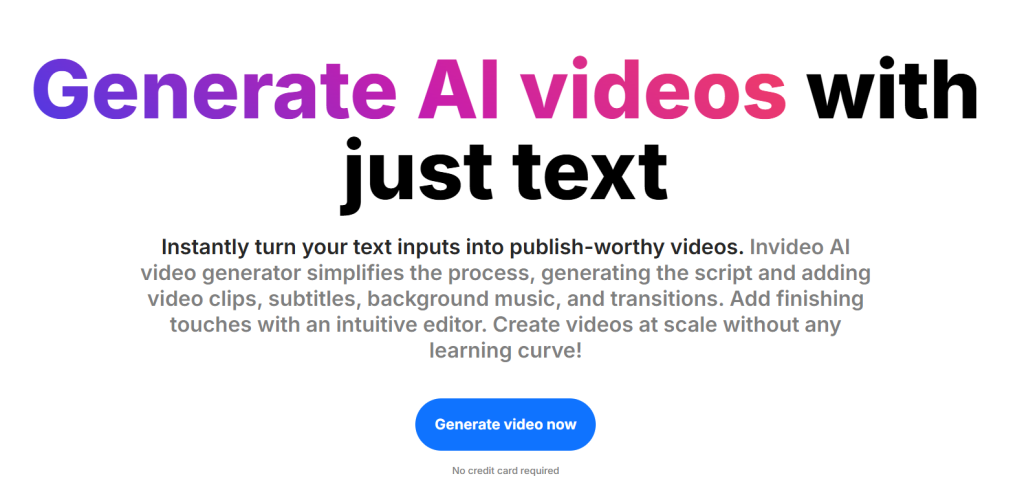
Are you ready to unleash your inner filmmaker without the steep learning curve? Enter InVideo, an innovative video editing tool that promises to make video creation as easy as pie—even for those who have never touched editing software before! With its user-friendly interface and a treasure trove of templates at your fingertips, you might just find yourself wondering if this is the ultimate solution for beginners. In this review, we’ll dive deep into what makes InVideo stand out in a crowded market, explore its features and functionalities, and help you decide whether it lives up to the hype. Grab your popcorn; it’s time to discover if InVideo is the key to unlocking your creative potential!
Introduction to InVideo and its features
In the age of digital content, video has emerged as a powerhouse medium for storytelling and communication. Whether you’re a budding YouTuber, a social media enthusiast, or simply looking to create captivating presentations, having the right tools is essential. Enter InVideo—a video editing platform designed with beginners in mind. With its array of features and user-friendly interface, it promises to simplify the editing process while delivering professional-quality results. But does it live up to the hype? Can this tool truly empower novices in their creative journey? In this review, we’ll dive into what makes InVideo tick and whether it’s indeed the ultimate solution for those just starting out in video editing. Let’s explore its features, usability, and everything else you need to know before hitting that “create” button!
User-friendly interface and ease of use for beginners
InVideo stands out for its user-friendly interface, making it an appealing choice for beginners. Right from the start, users are greeted with a clean layout that is easy to navigate. The dashboard presents tools and features in a straightforward manner. Newcomers can quickly familiarize themselves without feeling overwhelmed by complex options. Drag-and-drop functionality simplifies the editing process further. Users can effortlessly place elements into their projects, ensuring that creativity flows without hindrance. Additionally, helpful tutorials guide you through various tasks. These resources empower even those with little experience to create professional-looking videos seamlessly. Customization options are intuitive as well. Beginners can easily adjust colors, fonts, and transitions without needing extensive design skills. This combination of simplicity and guidance truly allows anyone to dive into video creation confidently.
Editing options and tools available on InVideo
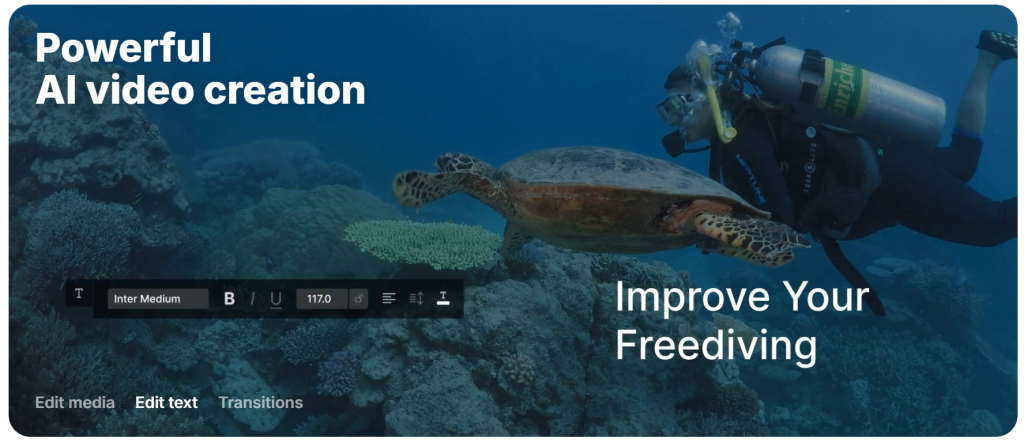
InVideo offers a robust set of editing options that cater to both novices and seasoned creators. You can trim, cut, and merge clips effortlessly. The timeline feature allows for precise adjustments, ensuring your edits are smooth and seamless. Text overlays are another standout feature. Choose from various fonts, styles, and animations to enhance your storytelling. This flexibility lets you create engaging intros or captivating captions in no time. Color correction tools help maintain consistency across your project. Adjust brightness, contrast, and saturation with simple sliders. Transitions add flair between scenes. With numerous options available—from fades to dynamic shifts—you can easily find the perfect match for your video’s tone. Lastly, the audio editor ensures that sound quality doesn’t fall short of visuals. You can adjust volume levels or sync audio tracks precisely without hassle.
InVideo’s library of templates, stock footage, and audio
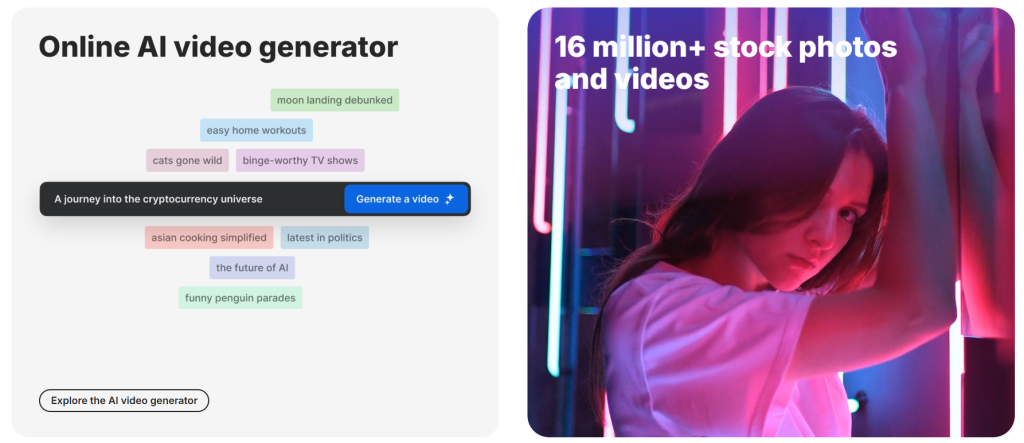
InVideo boasts an extensive library that’s a treasure trove for content creators. With hundreds of customizable templates, users can kickstart their projects in no time. Whether you’re crafting promotional videos or social media clips, there’s something tailored to every need. Stock footage is another standout feature. The platform offers a diverse selection of high-quality videos that can enhance your storytelling without the hassle of shooting everything yourself. This saves both time and resources. Audio options don’t fall short either. InVideo provides a range of royalty-free tracks and sound effects, allowing you to set the perfect mood for your video. It’s all about creating an engaging experience for your audience while keeping production smooth and efficient. With such rich resources at hand, even beginners can produce professional-looking videos effortlessly.
Pricing plans and comparison with other video editing tools
InVideo offers flexible pricing plans designed to accommodate various user needs. The platform provides a free version with limited features, ideal for beginners testing the waters in video editing. For more advanced capabilities, users can opt for the paid plans. These start at an affordable monthly rate and unlock premium templates, stock footage, and higher quality exports. This makes it a competitive choice compared to other tools like Adobe Premiere Pro or Final Cut Pro, which often come with steeper learning curves and pricier subscriptions. When stacked against alternatives like Canva Video or Animoto, InVideo shines through its extensive template library and intuitive interface. While some platforms cater primarily to professionals, InVideo prioritizes accessibility without sacrificing creativity or functionality. Ultimately, budget-conscious creators will find value in InVideo’s offerings while still benefiting from robust features that rival those of industry-standard software.
Reviews and feedback from users
User feedback on InVideo is largely positive, reflecting its appeal among beginners. Many users praise the intuitive layout that simplifies the editing process. This makes it easy for anyone to dive right in without prior experience. Several reviews highlight the extensive template library as a major advantage. Users appreciate how quickly they can create professional-looking videos by just customizing existing templates. On platforms like Trustpilot and social media, testimonials often mention robust customer support. Quick responses from the team help users navigate any challenges they face during their projects. However, some critiques arise regarding limitations in advanced features for seasoned editors. A few experienced creators feel the tool lacks depth for complex video needs. Despite this, many affirm that InVideo remains an excellent starting point for those new to video editing or looking to produce content rapidly and efficiently.
Conclusion: Is InVideo the ultimate video editing tool for beginners?
As we wrap up our exploration of InVideo, it’s clear that this platform offers a compelling package for those just stepping into the world of video editing. Its user-friendly interface is inviting and accessible, making it easy for beginners to navigate without feeling overwhelmed. The wide range of editing options allows users to get creative while maintaining simplicity. With tools that cater to various needs—whether you’re looking to create quick social media clips or more polished projects—there’s something here for everyone. InVideo’s extensive library filled with templates, stock footage, and audio tracks further enhances its appeal. This means less time spent searching for assets and more time focusing on crafting your vision. When it comes to pricing plans, they are competitive compared to other video editing software available today. Whether you’re opting for the free version or considering one of their premium subscriptions, there are sufficient features at every level.