Are you ready to take your video editing skills to the next level? If you’ve ever wanted to create stunning videos that captivate your audience, then InVideo is your secret weapon! Whether you’re a seasoned pro or just starting out on your creative journey, maximizing your experience with this powerful platform can unlock endless possibilities. In this blog post, we’re diving into 10 essential tips and tricks that will transform the way you use InVideo. From navigating its intuitive interface to harnessing advanced features, you’ll learn how to produce eye-catching content that stands out in today’s crowded digital landscape. Let’s get started and turn those ideas into visual masterpieces!
Take advantage of pre-made templates
Pre-made templates are a game changer when using InVideo. They save valuable time and effort, allowing you to focus on your content rather than starting from scratch. With a variety of designs available, there’s something for every niche or style. These templates come equipped with professional layouts and eye-catching visuals that can elevate the quality of your video instantly. Whether you’re crafting marketing videos or personal projects, these ready-to-use options streamline the editing process. Customization is also easy—adjust colors, fonts, and images to match your brand’s identity. This flexibility ensures that while you’re utilizing a template, your unique voice still shines through. Don’t overlook this feature; it can transform the way you work with video creation in InVideo. Dive into the library of templates and see how they can enhance both efficiency and creativity in your projects.
Utilize the text-to-speech feature
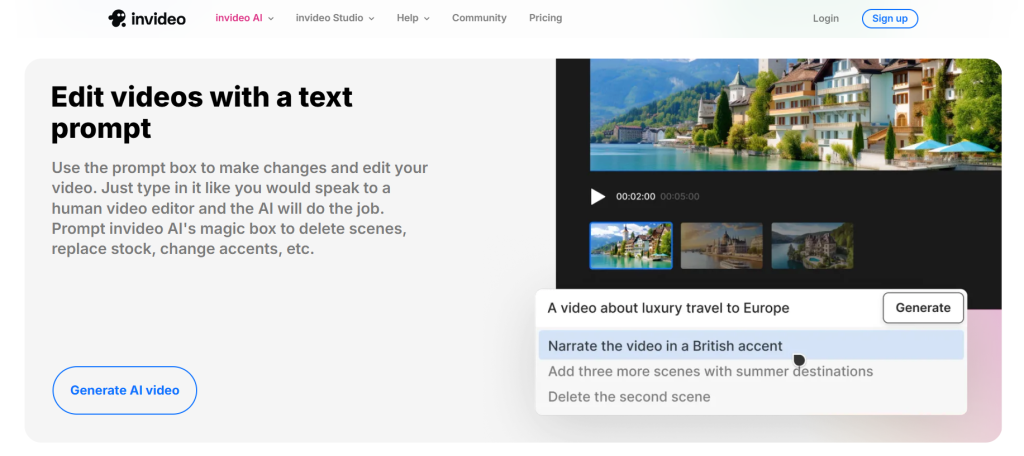
The text-to-speech feature in InVideo is a game changer. It allows you to transform written content into audio effortlessly. This can save time, especially when you’re on a tight schedule. Imagine creating tutorials or promotional videos where your voice isn’t quite ready for the spotlight. With this tool, you can easily add an engaging narration without recording anything yourself. InVideo offers various voices and accents, making it easy to find the perfect match for your project. You can adjust the speed and tone as well, giving you control over how your message comes across. Whether you’re targeting a global audience or want to localize your content, this feature makes video creation accessible and inclusive. Just type out what you need spoken, hit play, and watch it come alive with professional-quality audio!
Explore the effects and transitions library
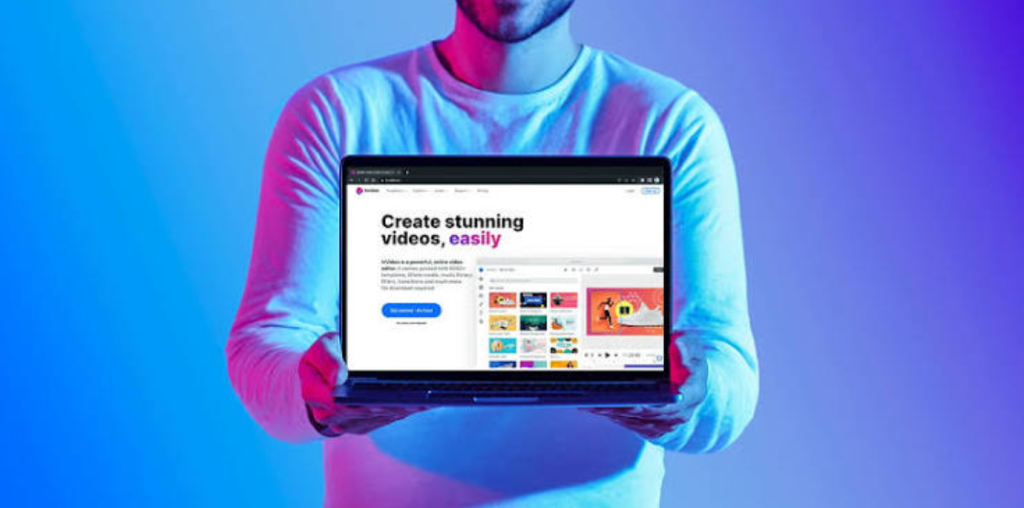
Diving into InVideo’s effects and transitions library can elevate your videos significantly. This feature allows you to add a professional touch that captures attention. Experimenting with various effects can transform mundane clips into captivating visuals. From subtle fades to eye-catching slides, the options are vast. Don’t hesitate to try different combinations; creativity often leads to unexpected brilliance. Transitions serve as the glue between scenes, making your video flow smoothly. A well-chosen transition can enhance storytelling by emphasizing changes in mood or pace. Browse through popular categories like cinematic, elegant, or fun styles tailored for specific themes. You might discover a transition that perfectly fits your narrative without any extra effort. Remember, less is sometimes more when it comes to effects and transitions. Striking the right balance ensures your message remains clear while still being visually engaging.
Use the media library for quick access to images and videos
The media library in InVideo is a game changer for content creators. It offers quick access to a vast collection of images and videos, saving you valuable time during the editing process. Instead of scouring the internet for visuals, simply browse through categories or use the search function. You’ll find high-quality assets that can enhance your video’s appeal. You can also upload your own images and videos to personalize your projects even further. This feature ensures that everything you need is organized and readily available at your fingertips. Mixing stock footage with your original content creates a unique video experience. The convenience of having all these resources in one place streamlines creativity, allowing you to focus on storytelling rather than searching for assets. Enjoy crafting visually stunning videos without breaking a sweat!
Customize your video with branding elements
Customizing your video with branding elements is crucial for creating a cohesive identity. It helps viewers recognize your content instantly. Start by incorporating your logo in strategic spots. This ensures it’s visible but not intrusive. Place it in the corner or at the beginning and end of your videos for maximum impact. Next, consider using brand colors throughout your project. Consistency in color schemes reinforces recognition and enhances aesthetics. Fonts matter too! Choose typography that aligns with your brand’s personality—whether it’s modern, playful, or classic. Don’t forget about call-to-action graphics to guide viewers toward engagement. This could be promoting subscriptions or directing them to another platform. Incorporating these elements makes every video feel professional while strengthening your overall brand presence online.
Collaborate with team members on projects
Collaboration can take your video projects to the next level. InVideo makes it easy for teams to work together effectively. You can invite team members directly into your project. This feature enables real-time collaboration, allowing multiple users to contribute ideas and edits simultaneously. Discussion around changes becomes seamless with integrated comments and feedback tools. Everyone’s input is valued, leading to a richer final product. Sharing access also means that tasks can be divided based on each member’s strengths. One person might focus on visuals while another hones in on audio elements. By working collaboratively, you not only save time but also gain diverse perspectives that enhance creativity. Whether you’re creating marketing content or educational videos, teamwork fosters innovation and improves overall quality.
Utilize the timeline feature for precise editing
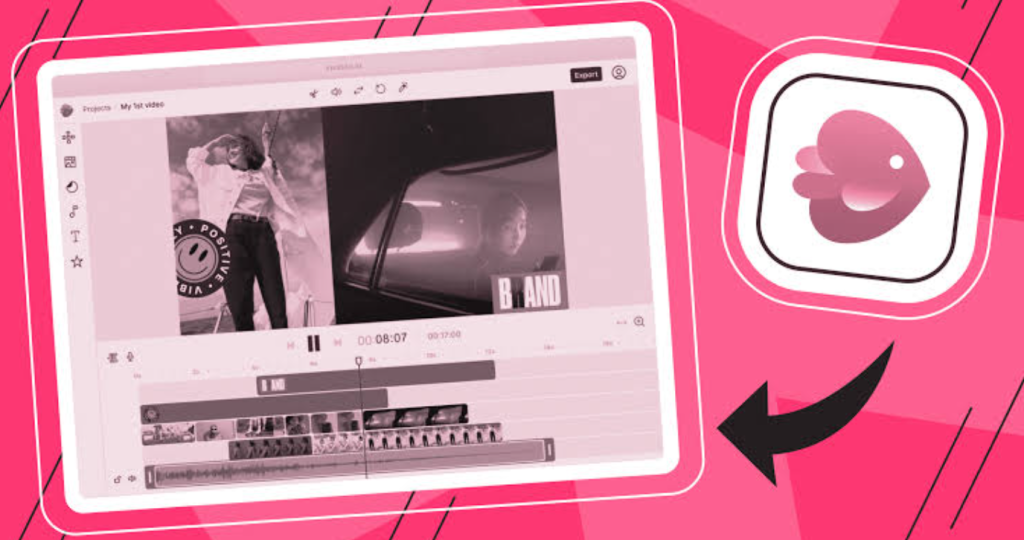
The timeline feature in InVideo is your best friend for precise editing. It gives you control over every aspect of your video, allowing you to manage clips with ease. With the timeline, you can drag and drop elements into place. Need to adjust the duration of a clip? Simply stretch or shrink it on the timeline. This flexibility lets you craft seamless transitions between scenes. Furthermore, layering audio tracks becomes straightforward. You can align voiceovers, music, and sound effects perfectly for an immersive experience. Zooming in on the timeline helps pinpoint exact moments that require attention. Whether it’s a quick cut or syncing sound cues, having this visual representation makes all the difference. For those looking to perfect their videos down to the last detail, mastering this tool is essential for creating polished content.